
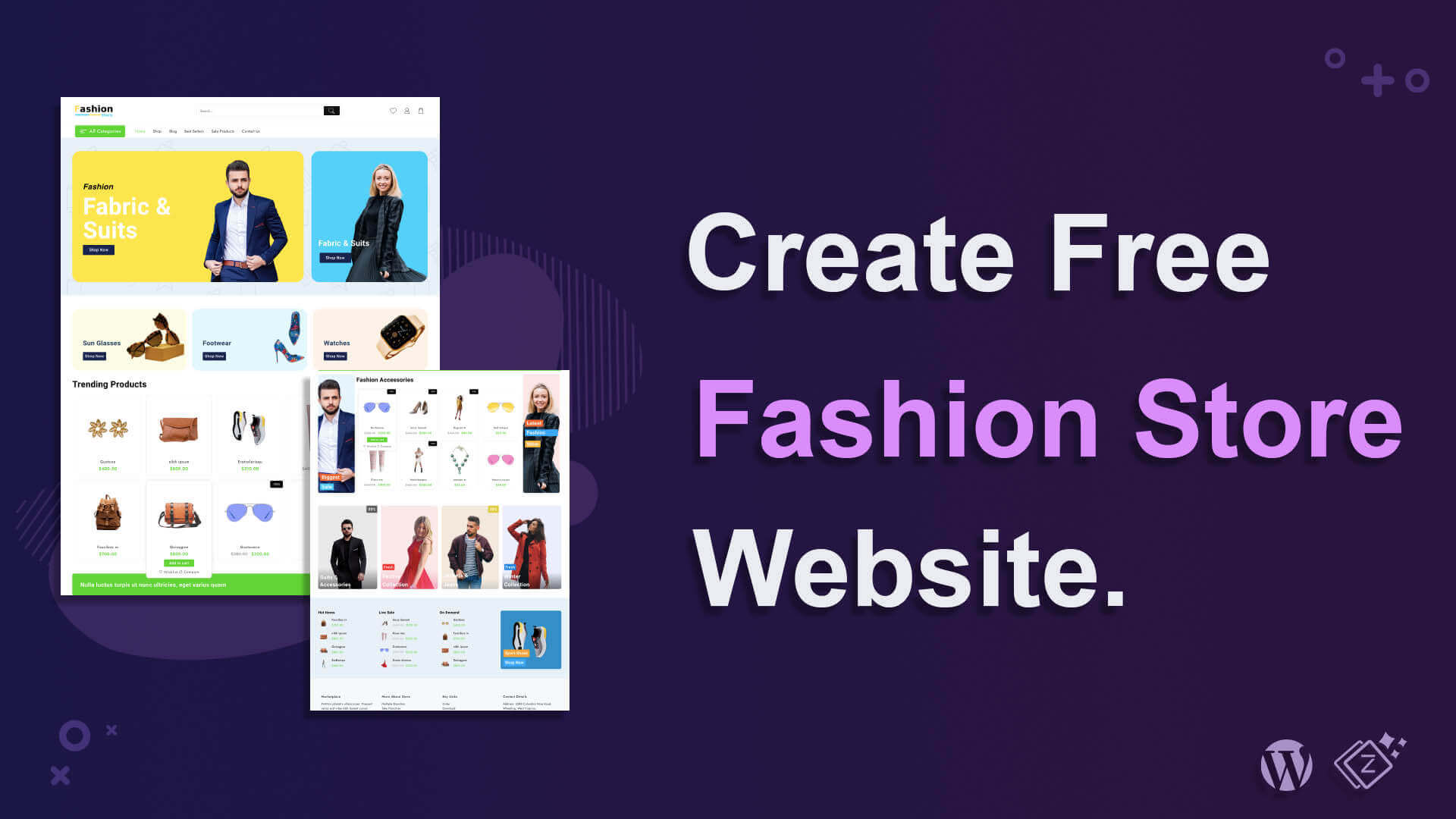
Creating a fashion store is not a big deal now. Many site builders on the internet can build websites smoothly. Without any coding, any website can be built. You just need to get a perfect tool.
In this blog, I will show an amazing site builder, that is not only easy to use but also can build a website within 2 minutes. It is Zita Site Builder.
Its process is very simple and doesn’t require coding or any technical knowledge. It will offer you multiple designs that you can select according to your requirements.
After building a fashion store, you can customize the site on a page builder and personalize it. Your website will be ready to deploy after you replace its dummy data with yours. Its easy and fast process will amaze you.
You can create a fashion shop, accessories store, and any type of store with this design. It’s on you, how you want to use it.
Let’s get started,
How To Build A Fashion Store Website (Step By Step)
Just follow these steps and you will have your own website at the end.
First, go to your dashboard.
Step 1) Click on Create My website

You will find the site builder in the menu. Click on it. Then click on Create My Website. This is the very first step Building the site with Zita Site Builder.
You can also upgrade the Zita Site Builder to Pro by clicking on UPGRADE TO PRO in the top-right corner. This will unlock some more interesting options to use.
Step 2) Select the design for the Fashion Store

Here select the design that you want to go with. You can also select a Page Builder that will help you to customize the site. You can see I have chosen Elementor. Later, the site will be edited in Elementor Page Builder.
Step 3) Click on Continue

This is the preview of the site. Your website will look like this page after completing it. If you like, click on continue otherwise click on Back and choose another design.
Step 4) Check these points and click on Build My Website
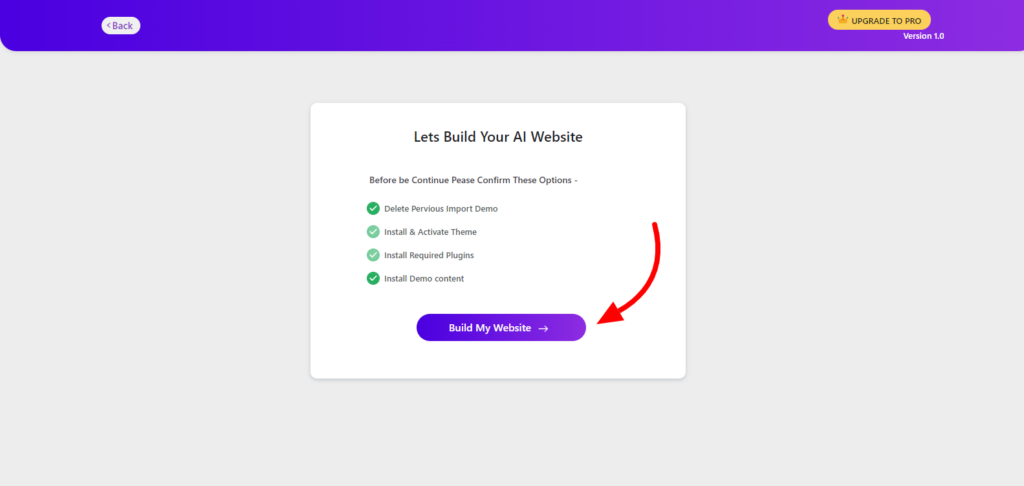
This is the final step to build your website. Check these points and deselect if you want to, and proceed further. After a few seconds, the website will be completed.
Step 5) Click On Customize Or View Website
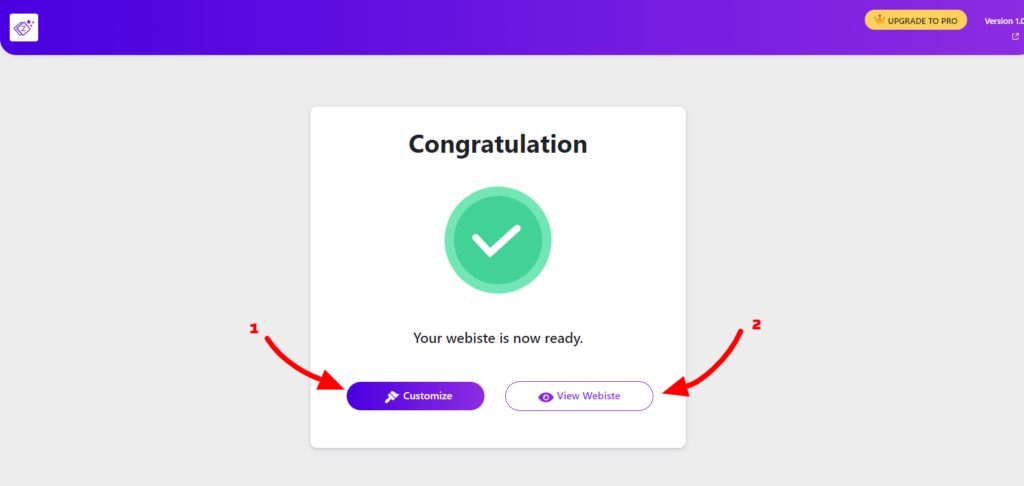
there are 2 options.
1. With Customize, you will redirected to the customization page. You can customize the website however you want. You will customize the site on the page builder that you have chosen earlier like I had chosen Elementor so the site is opened with Elementor.
After customizing the site click on update and then go back now click on View Website.

2. After clicking on the View Website you will see your live website.
Your website is ready
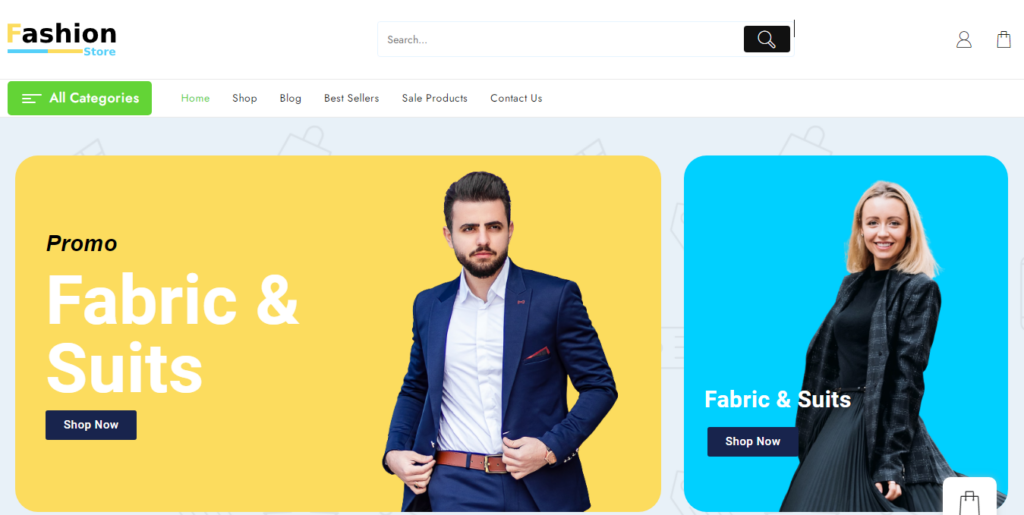
You have seen in just 5 simple steps, we have built a new website for a fashion store. This is how you can build more websites.
Video Tutorial for creating Fashion Store Website
Conclusion
Zita Site Builder has made it super easy for everyone to build a website. It has become a game of minutes. This offers so much easiness in a very short time.
Even we didn’t need to code at any single point. The steps were also clear to proceed. These features make the Zita Site Builder special.
You can go through its documentation in case of any confusion or ask for help or support. We are always here to help.
You can upgrade the Zita Site Builder to Pro. It will unlock some more options and an amazing experience.