

Website visitors do not visit websites for the purpose of reaching customer support. People do not start their day by wishing they needed to create a support ticket. Support is what happens when something goes wrong.
Your response to problems determines if your business will keep its existing clients or lose them permanently.
Your WordPress site will achieve better customer support through the correct helpdesk plugin, which transforms support from a difficult emergency situation into a system that creates customer loyalty.
A customer who experiences a problem and receives quick assistance will develop stronger loyalty than a customer who never needed assistance.
That is not a coincidence. It is the power of good support. The following eight WordPress helpdesk plugins contain features that make them essential tools for your business needs.
How to Choose the Best Helpdesk Plugin to Improve Customer Experience
Does it match how your team works? Some teams prefer email-style inboxes, others like a proper ticket system. Pick something that fits how your team already thinks, because a tool nobody enjoys using helps nobody.
How many tickets are you getting? If it is ten a week, start free and keep it simple. If it is hundreds, you need automation and routing or your team will burn out fast.
Does it connect to your existing tools? Check if it integrates with WooCommerce, your membership plugin, or your CRM before you commit. Nothing is more frustrating than switching between five tabs just to answer one customer question.
Can customers help themselves? A built-in knowledge base or FAQ section can quietly handle a big chunk of your tickets before they are even submitted. ThriveDesk includes one natively, which saves your team from answering the same questions on repeat.
What does it cost as your team grows? Per-agent pricing sounds fine at two agents and gets painful at ten. Look for flat pricing models so your support costs do not quietly double as you hire more people.
Is the setup actually realistic for you? Some plugins need a developer to configure properly, others are up and running in twenty minutes. Be honest about your technical comfort level before falling in love with a feature list you cannot actually set up.
Just start with something. A free plugin running today beats a perfect plugin you are still researching next month. You will learn what you actually need by using something, not by reading comparison articles.
1. ThriveDesk
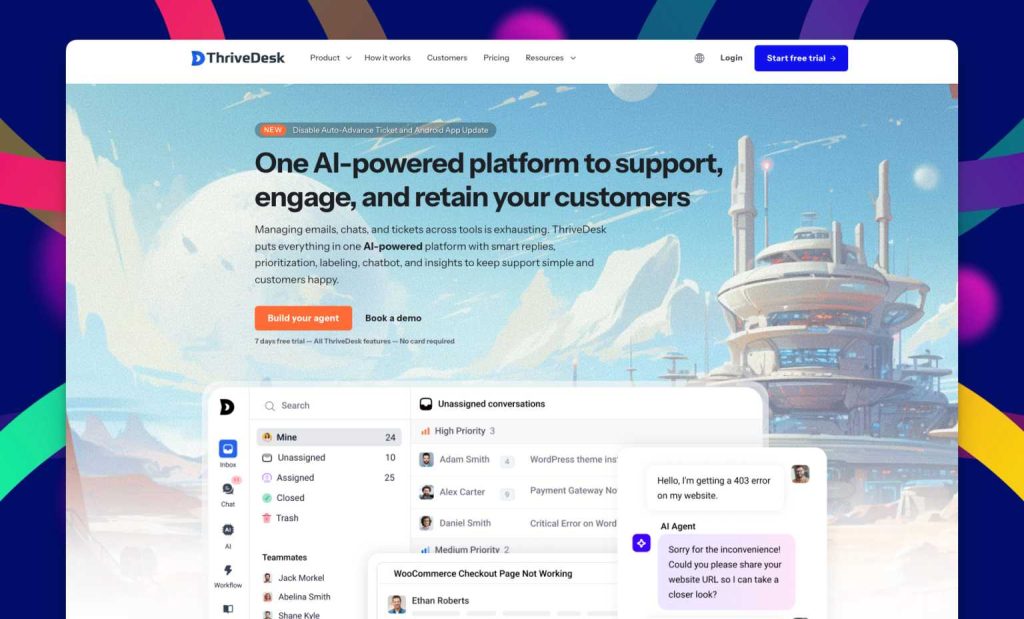
ThriveDesk functions as a helpdesk system that developers created for WordPress sites instead of adapting a standard SaaS solution through WordPress plugin integration.
The complete hosting infrastructure enables your server to avoid executing any demanding processing tasks. Your WordPress site stays fast.
Your support stays responsive. The connection happens through a plugin that is genuinely lightweight.
The pricing model is unusual and genuinely generous: unlimited agents at every pricing tier. Most helpdesk plugins charge per agent, which means your support costs grow as your team grows.
With ThriveDesk, adding a new support agent costs nothing extra.
Key Features
- Shared inbox with team assignments and notes
- Live chat widget
- Built-in knowledge base
- WooCommerce and SureCart integration
- Canned responses and labels
- Unlimited agents for all plans
Price: From $29/month.
Pros: Hosted, so no server load, unlimited agents, clean interface, and integrates with WooCommerce.
Cons: No free plan, mobile app not available yet.
Best For: WordPress businesses and WooCommerce stores that want a complete support system without the per-agent pricing model.
2. Fluent Support
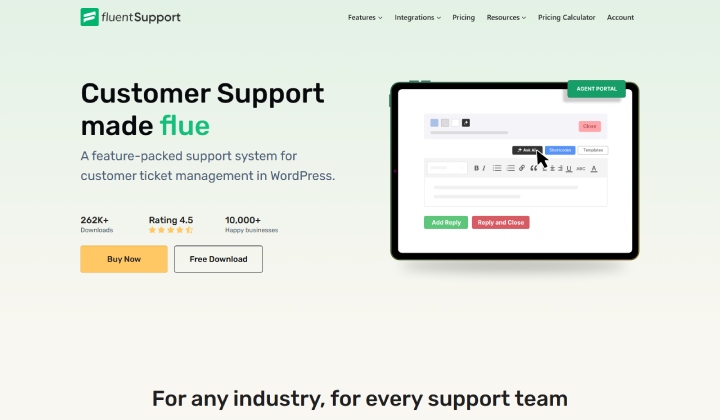
Fluent Support has become a rapidly expanding newcomer in the support industry. The software achieved more than 10,000 active installations within a few years, which represents a significant accomplishment in its competitive market.
The WordPress ecosystem integration system of Fluent Support makes it the most distinctive feature of the platform.
The system establishes connections with WooCommerce, Easy Digital Downloads, LearnDash, LifterLMS, FluentCRM, and OpenAI.
Key Features
- Full ticket management within WordPress
- OpenAI integration for response suggestions
- WooCommerce, EDD, and LearnDash integration
- Workflow automation and custom fields
- Agent collision detection
Price: From $77/year for one site.
Pros: Deep WordPress integration, AI assistance, self-hosted data control, active development.
Cons: No free version, newer so less proven at scale.
Best For: WordPress sites with complex plugin setups that need a helpdesk deeply integrated with their existing tools.
3. SupportCandy
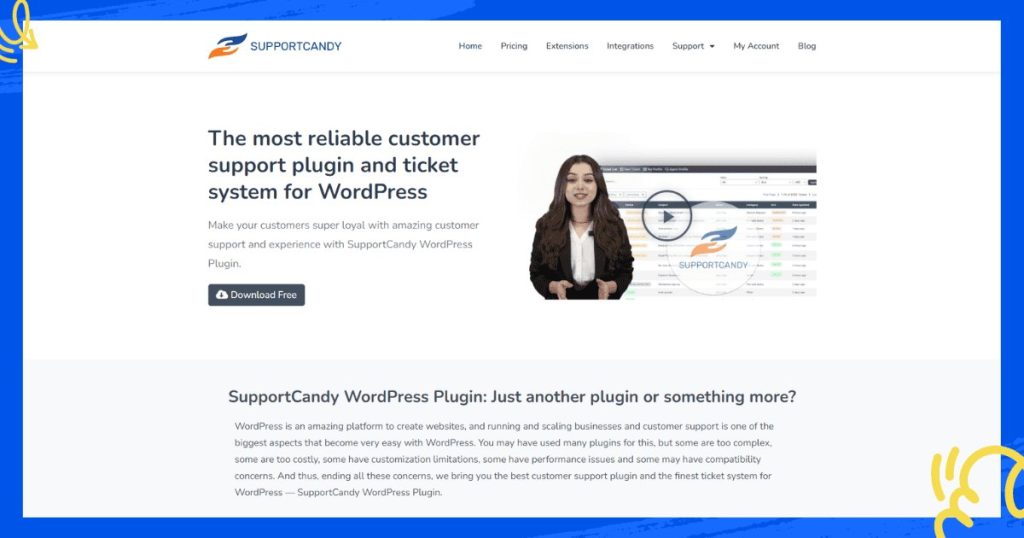
SupportCandy is the reliable, no-drama option. It has been around long enough to be thoroughly trusted, it has an actually useful free version, and it handles ticket management without any fuss.
The unlimited tickets and unlimited agents on the free plan are the headline feature. That is genuinely rare. Most free helpdesk plugins limit one or both. SupportCandy does not.
The premium plans provide SLA management, which helps organizations meet their established response time targets, custom ticket fields, email piping, and advanced automation capabilities.
The interface lacks aesthetic appeal but delivers straightforward operational performance through its basic design elements.
Key Features
- Unlimited tickets and agents (free)
- Guest ticket submission
- GDPR compliant
- SLA management (premium)
- Custom fields and statuses
Price: Free. Premium from $79/year.
Pros: Genuinely useful free plan, unlimited tickets and agents, GDPR compliant, and guest support.
Cons: The interface feels dated compared to newer tools, and advanced features require a paid upgrade.
Best For: WordPress websites that want a free, reliable starting point with room to grow into paid features.
4. Heroic Inbox
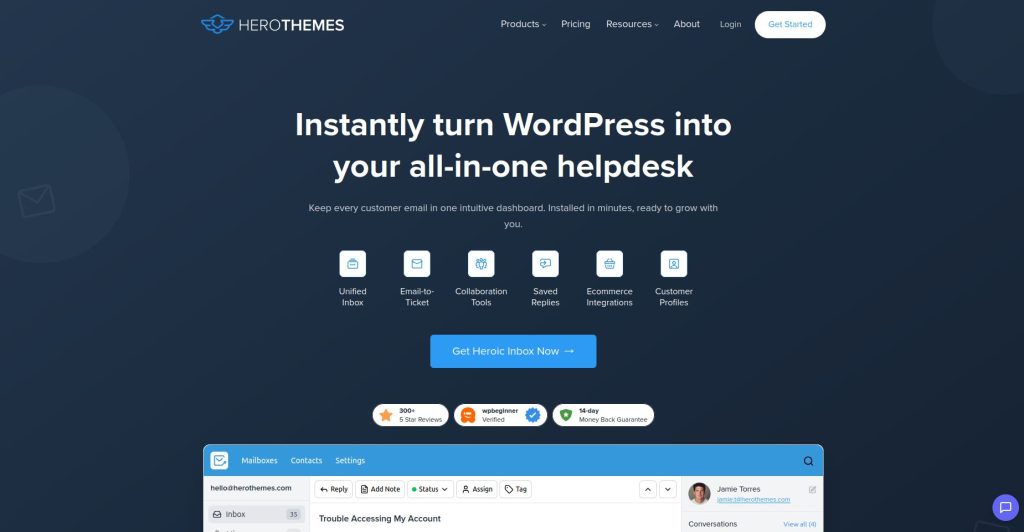
Heroic Inbox implements an alternative method that differs from standard helpdesk plugins. The system converts your WordPress site into a shared email inbox that operates independently from conventional ticket systems.
WordPress users can access the same support email address to work together on managing conversations through dashboard functionality, which enables assignment and internal note creation and response management.
The system requires users to accept the loss of reporting capabilities and automation tools that dedicated ticket systems provide.
Heroic Inbox serves as a straightforward and functional solution for teams that use email as their main support method and maintain their support requests at a manageable level.
Key Features
- Shared inbox within WordPress
- Multiple email account management
- Team assignments and internal notes
- Conversation history per customer
- Collision detection (stops two agents from replying at once)
Price: From $100/year.
Pros: Feels like email, natural for teams already used to shared inboxes, clean interface.
Cons: Fewer automation features, no built-in chat or knowledge base.
Best For: Small WordPress teams that primarily support customers over email and want a shared inbox without switching to a separate platform.
5. Tidio
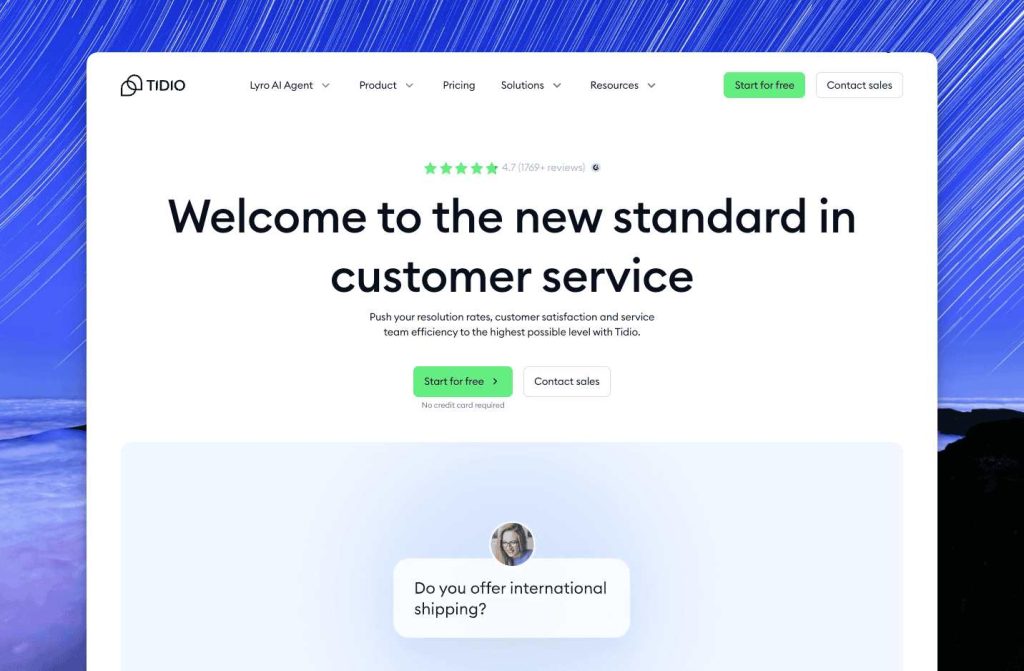
Tidio is built around live chat, and it takes that job seriously. If your website benefits from real-time engagement, whether that is capturing leads, answering pre-sale questions, or helping customers in the middle of a transaction, Tidio is one of the better tools for it.
The free plan is legitimately useful. You get live chat, basic automation, and email integration without spending anything.
The paid plans add AI chatbot functionality, which can handle common questions automatically even when your team is offline.
Key Features
- Live chat with AI chatbot
- WooCommerce cart context in chat
- Email integration
- Visitor behavior tracking
- Free plan available
Price: Free. Paid from $29/month.
Pros: Strong free plan, good AI chatbot, WooCommerce-aware, visitor tracking.
Cons: Some features managed from Tidio’s external dashboard rather than WordPress, pricing jumps significantly on paid plans.
Best For: WordPress eCommerce sites that want real-time chat and lead capture with AI automation.
6. Awesome Support

Every list of WordPress helpdesk plugins includes Awesome Support, and for good reason. The software operates at no cost while providing core functionality to help teams who are in their initial stages of development.
The free version allows users to create unlimited tickets and agents while providing email alerts, file upload capabilities, and fundamental ticket tracking features.
A small WordPress website that handles a few to average support inquiries needs this amount of support services.
You can begin using the service without charge because you only need to pay for the specific features that you require, instead of purchasing a complete paid plan at the start.
Key Features
- Free forever core plugin
- Unlimited tickets and agents
- Email notifications on ticket events
- File attachments in tickets
- 28 premium add-ons available
Price: Free. Premium add-ons from $49 each.
Pros: Truly free starting point, proven track record, flexible add-on system.
Cons: Can feel fragmented when you need multiple add-ons, interface is not the most modern.
Best For: WordPress websites on a tight budget that need a working helpdesk immediately and plan to scale over time.
7. Help Scout

Help Scout operates as a WordPress plugin that links your website to the Help Scout platform.
The plugin establishes a basic link between Help Scout and WordPress when you use Help Scout for customer support, because most businesses that want to grow use this system.
Help Scout provides users with an enhanced customer experience that surpasses the basic functionality of standard ticket management systems.
The responses seem to arrive through what appears to be an actual email message. The subject line contains no ticket numbers, and the message avoids using any automated-sounding phrases. Customers experience human communication during their interactions instead of receiving automated system responses.
Key Features
- Connects WordPress to the Help Scout platform
- Easy Digital Downloads integration
- Conversation history per customer
- Help Scout Docs knowledge base
- Email-style response experience
Price: From $49.99 (plugin license). Help Scout subscription required separately.
Pros: Excellent customer experience, EDD integration, human-feeling responses.
Cons: Requires a separate Help Scout subscription (starts at $20/agent/month), total cost adds up.
Best For: WordPress digital product businesses already invested in the Help Scout ecosystem.
8. Freshdesk

Freshdesk is one of the most popular cloud helpdesk platforms in the world, and the WordPress plugin brings it to your site with a contact form that feeds directly into your Freshdesk account.
The tradeoff is that you are managing support in Freshdesk’s platform rather than your WordPress dashboard.
For teams that are comfortable switching between tools, that is fine. For teams that prefer to stay inside WordPress, it can feel disconnected.
Key Features
- Free plan with unlimited agents
- Email, phone, and chat support channels
- Ticket automation and SLA management
- Knowledge base builder
- Reporting and analytics
Price: Free plan. Paid from $15/agent/month.
Pros: Excellent free plan, powerful automation, multi-channel support.
Cons: Managed outside WordPress, can feel complex for simple needs.
Best For: WordPress businesses that want a full-featured helpdesk without paying per agent, and are comfortable managing support in a separate platform.
Best Helpdesk Plugin At a Glance: Comparison Table
| Plugin | Type | Starting Price | Free Version |
| ThriveDesk | Hosted helpdesk | $29/month | No |
| Fluent Support | Self-hosted ticket system | $77/year | No |
| SupportCandy | Self-hosted tickets | $79/year | Yes |
| Heroic Inbox | Shared email inbox | $100/year | No |
| Tidio | Live chat + AI | $29/month | Yes |
| Awesome Support | Ticket system | Free | Yes |
| Help Scout Desk | Premium shared inbox | $49.99/year | No |
| Freshdesk | Cloud helpdesk | $0 (basic) | Yes |
Choosing the Right One
For most WordPress websites, the choice comes down to a few questions.
Do you want everything hosted externally so your server stays fast? ThriveDesk is the answer.
Do you want to keep data on your own server and own everything? Fluent Support or SupportCandy. Is live chat your priority? Tidio. Are you just starting out and need something free today? Awesome Support.
Does your team think and work in email? Heroic Inbox. There is no single right answer. But there is almost certainly a right answer for your specific situation and team.
The worst choice is no choice at all, leaving customers emailing a general inbox that five people half-monitor, where things disappear into the void, and everyone assumes someone else handled it.
A helpdesk plugin, even a free one, fixes that problem on day one.