

Have you ever thought of having an Electronic website? If you own an electronics shop, this may be a crucial chance to popularize your business. With minimal effort, you can start a new website.
You might also think, it will need lots of coding and professionals to build a website from scratch. But the reality is different. You only need to know about Zita Site Builder.
Zita site builder will build you customizable and speed-optimized sites. It is an all-in-one website builder that will help you to build various types of websites, whether it is a clothing shop, electronic shop, multi-vendor shop, business site, personal site, portfolio site, and more.
With the website, the benefits of having an online business will be unlocked. You can extend the business all over the world with time.
In this blog, I will show you, how you can build an Electronic website within 2 minutes. Follow the steps and you will have a website at the end of this blog.
How To Build An Electronic Website
Download the Zita Website Builder First. Install the builder in your dashboard.
Open the dashboard.
Step 1) Click on Create My Website

After installing the Zita Site Builder into your site dashboard, it will come in the menu. Click on it. This page will appear. Click on Create My Website to start the website-building process.
Step 2) Select the design for the Electronic Shop

Select a suitable design for the website.
Various designs will help you to build a website. If you want to unlock the premium designs then you have to buy the premium version. You can purchase it by clicking on UPGRADE TO PRO.
Step 3) Click on Continue for the next page.
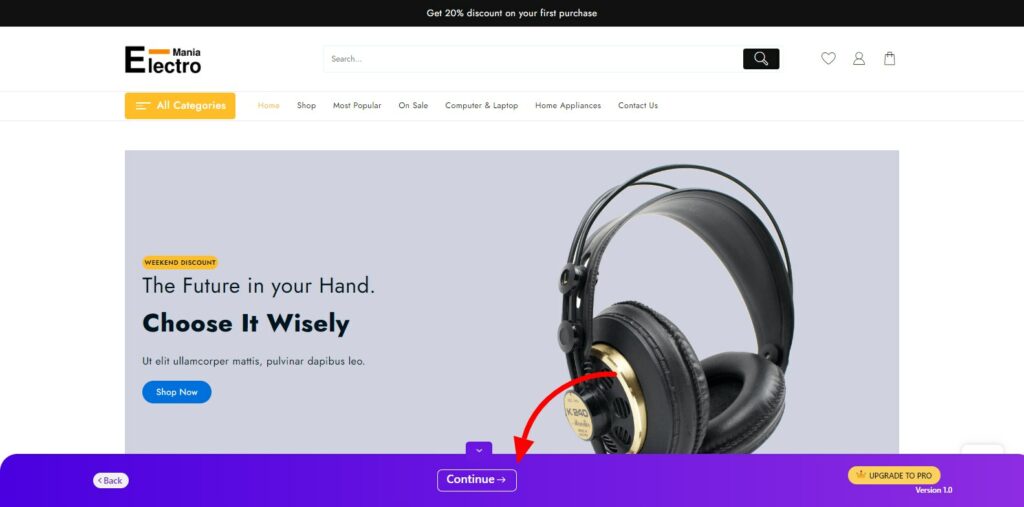
This is a demo page. Here you can see the final look of the website. You can change it by going and choosing another design.
Step 4) Click on Build My Website
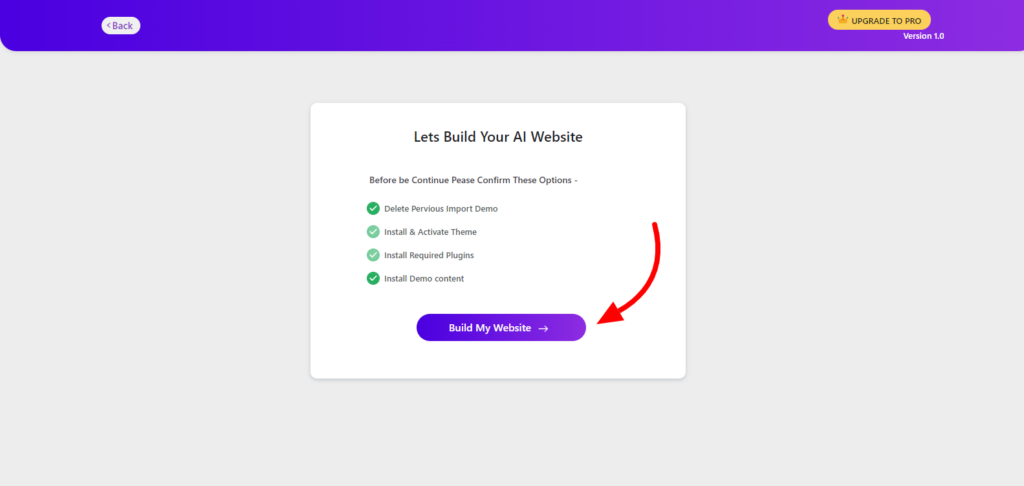
You can deselect some points if you want, and click on Build My Website for further. This is the final step. It may take some time to complete. But after this, you will get your website ready.
Step 5) Click on Customize for Customization or View Website to See the Website
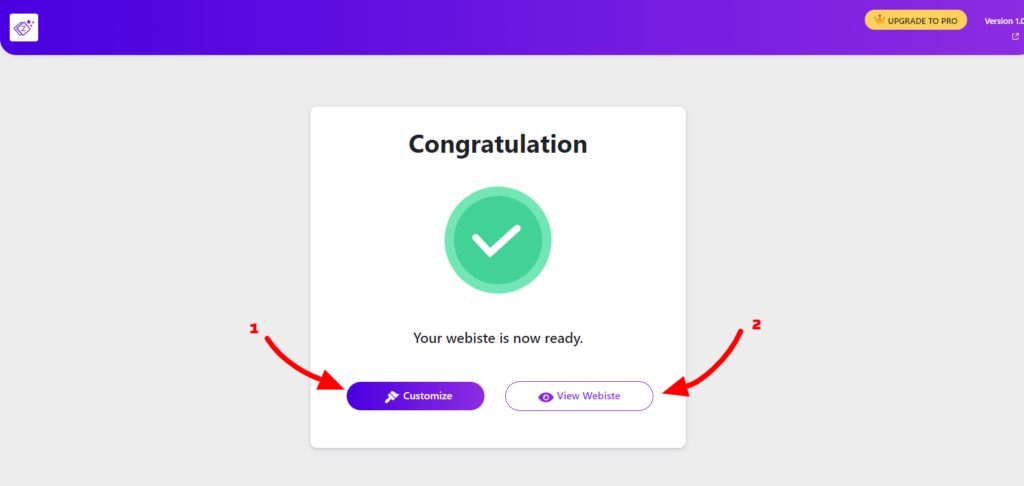
1. Customize – It will redirect you to the customization page with the page builder that you chose earlier. You can customization the website and get it personalized.
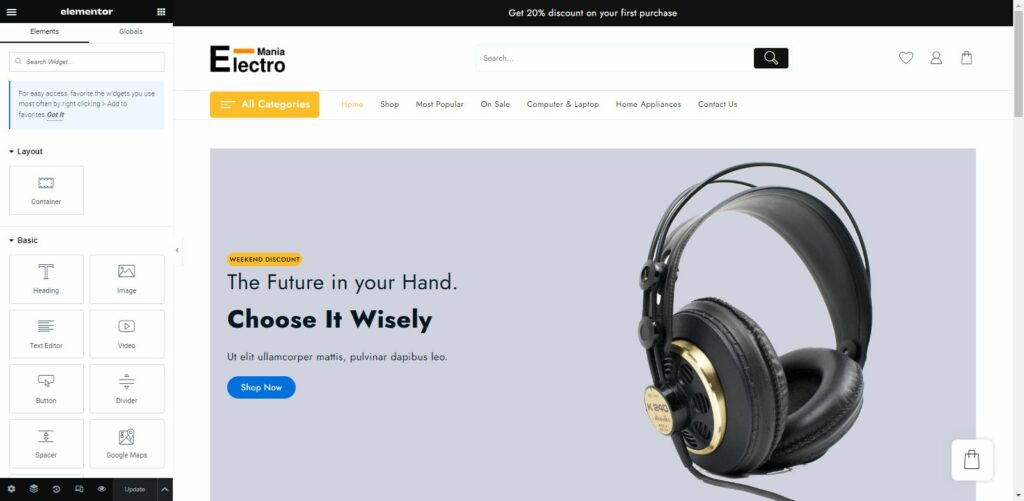
2. View Website – This will show you your website after completion. You can customize them also. you can change the site logo, tagline, theme and background color, custom CSS, and more.
The website is ready.

The website has been built. We have done it in 5 steps.
Look, how easy it became to build any website. No coding is required in the entire procedure. A non-technical person can also use this builder to build a website.
Conclusion
So that is how you can build an Electronic Website. This process hardly took 2 minutes.
You can build some more websites here. You can upgrade the Zita Site Builder to PRO to unlock all designs. In case of any issues, you can contact us. We will help you.
This much reliability can hardly be found in any other site builder.
Having built it, you can publish the site on the internet and start earning. It is integrated with WordPress so you have the freedom to design anything.
You can pick your preferred page builder from the given options and customize the site. Zita Site Builder will automatically install all necessary plugins. You can change the design at any time with the same process.
I hope this blog will help you, Thanks for reading the blog.