

Creating a successful online store requires great products and an intuitive, visually appealing, and fully functional website.
For those using WooCommerce and Elementor, a powerful combination is available to bring your e-commerce vision to life.
Elementor’s drag-and-drop interface allows you to design stunning pages without any coding knowledge, while WooCommerce provides a robust framework for managing your online store.
But to unlock the full potential of this dynamic duo, incorporating the right plugins is essential.
In this blog post, we’ll explore the best WooCommerce Plugins for Elementor that will supercharge your online store.
These plugins are designed to enhance functionality, improve customer experience, and streamline your e-commerce operations.
What is Elementor?

Elementor is a popular WordPress page builder that enables users to design custom website layouts via a drag-and-drop interface, making it especially valuable for creating unique WooCommerce stores.
Elementor comes with a wide range of pre-designed templates and blocks, as well as customization options to modify the look and feel of the website.
It offers a free version with basic features and a Pro version with advanced functionalities, including theme building, WooCommerce support, and enhanced design elements.
It is popular among web designers, developers, and businesses for quickly creating visually appealing and responsive websites.
Why use WooCommerce plugins with Elementor?
Integrating WooCommerce plugins with Elementor enhances your online store by adding features, customizing product pages, improving user experience, and optimizing performance.
Using plugins with Elementor offers several advantages for eCommerce website builders. Here are some key reasons:
- Custom Design Control: Easily design WooCommerce pages without coding.
- Pre-designed Templates: Access ready-made templates for quick setup.
- Enhanced User Experience: Create engaging and interactive shopping experiences.
- Flexibility and Customization: Tailor store components to match your brand.
- Dynamic Content: Integrate real-time product information into designs.
- Responsive Design: Ensure compatibility across all devices.
- Integration with Other Plugins: Enhance functionality with various add-ons.
- SEO Optimization: Build search-friendly pages to improve visibility.
- Non-technical User Friendly: Enable users with minimal skills to manage eCommerce sites.
Best WooCommerce Plugins for Elementor
Elemento Addon
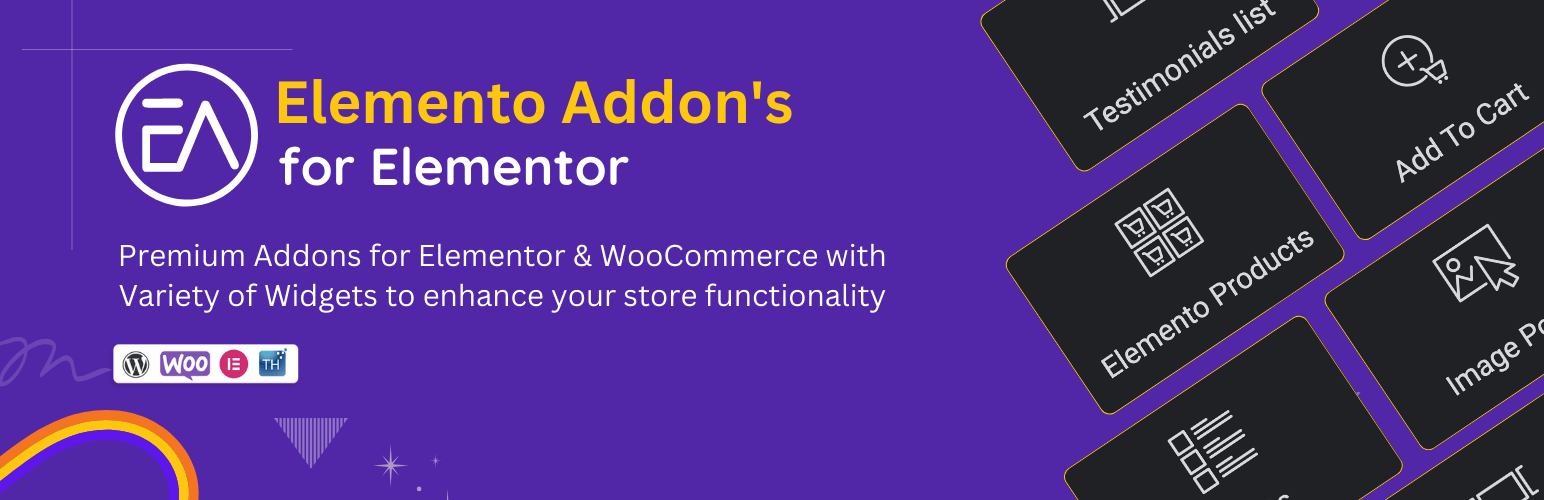
This addon offers a variety of creative widgets and elements that can help you build stunning web pages easily.
It’s perfect for users looking to extend the functionality of Elementor without writing any code.
With its intuitive drag-and-drop interface, this addon allows you to customize layouts and design unique elements that capture attention and enhance user experience.
Whether you want to create eye-catching sliders, responsive galleries, or engaging testimonials, each widget is designed for flexibility and ease of use.
Key features:
- Variety of Widgets
- Responsive Design
- Easy Customization
- Pre-designed Templates
- SEO Friendly
- Regular Updates
WooLentor
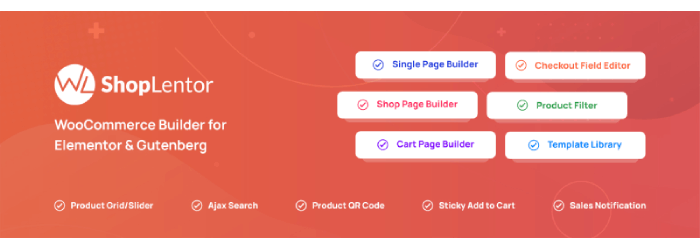
WooLentor provides a variety of Elementor widgets designed specifically for WooCommerce, enabling you to easily create customized product pages, cart pages, and checkout pages.
It also includes features such as product filtering and AJAX-based searches, which enhance the user experience.
Key Features:
- 42+ WooCommerce widgets
- Customizable cart and checkout pages
- Sales notifications and more
ShopEngine
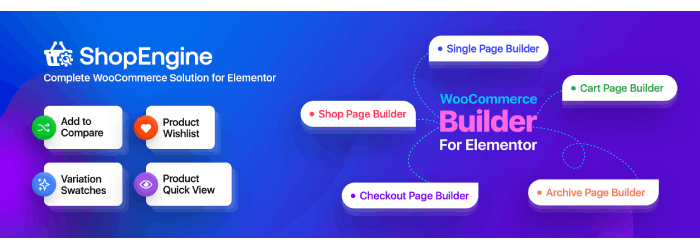
ShopEngine is a complete WooCommerce builder for Elementor that enables you to design various WooCommerce pages like product archives, single product pages, and checkouts.
It also offers features like product wishlists, compare tables and AJAX filters.
Key Features:
- Pre-designed templates for WooCommerce
- Wishlist and product comparison
- Product sliders and grids
CoDesigner (Woolementor)

CoDesigner, also known as Woolementor, bridges the gap between WooCommerce and Elementor.
It offers extensive customization options, allowing you to design custom product pages, shop pages, and checkout experiences with Elementor’s visual interface.
Our intuitive no-code drag-and-drop interface lets you upgrade Elementor’s design capabilities and customize shop pages, product filters, checkout processes, and much more within minutes!
Easily customize your site and create pixel-perfect websites with the leading Elementor WooCommerce builder.
Key Features:
- Seamless integration with Elementor
- Product grids, sliders, and carousels
- Custom cart and checkout pages
WooCommerce Google Sheet Connector
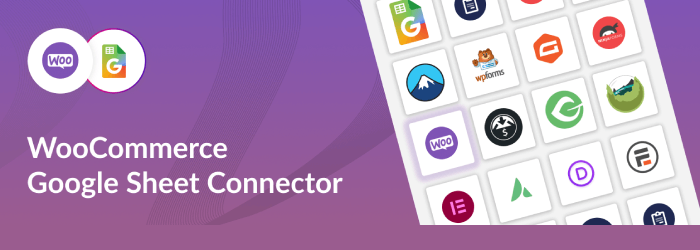
The WooCommerce Google Sheet Connector is a plugin that connects your WooCommerce store with Google Sheets.
It automatically exports WooCommerce order details to a Google Sheet, making it easy to manage and analyze sales data, inventory, and customer information directly in Google Sheets.
Custom Google API integration settings, enabling the creation of a new page from the plugin’s settings, and features for personalized request/management fields.
Key features:
- Automated Sync
- Real-Time Updates
- Customizable Export Fields
- Supports Multiple Sheets
- Easy Setup
- Data Management
WooCommerce Product Carousel, Slider & Grid Ultimate
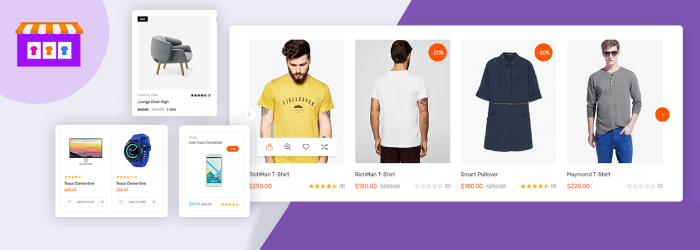
This plugin allows you to display WooCommerce products in a beautiful carousel, slider, or grid format. It’s perfect for small stores that want to showcase products in an engaging way.
This plugin is an excellent addition to the WooCommerce product display. By allowing a Quick Look and a Favorites function it gives any site a professional look without all the programming.
With the ability to utilize 15 different templates, you can achieve just about any desired look in minutes.
Key Features:
- Responsive product carousels, sliders, and grids
- Multiple layout options
- Easy customization of product display
Product Designer for WooCommerce
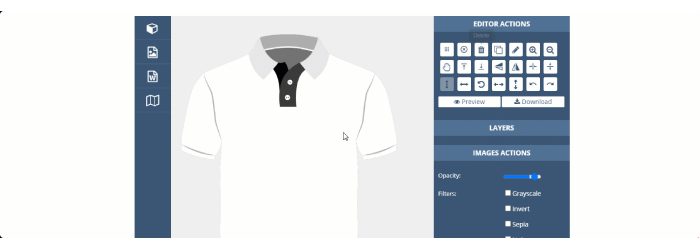
This plugin allows customers to design their own products in WooCommerce stores. Ideal for stores selling customizable products like t-shirts, mugs, or phone cases.
The Product Designer plugin offers an easy solution for adding a WooCommerce product customizer to your eCommerce store. It allows customers to personalize their products such as adding clipart, text, and shapes before placing an order.
Key Features:
- Add design tools directly to product pages
- Compatible with Elementor
- Perfect for small e-commerce stores offering personalized items
XT WooCommerce Floating Cart

A simple, yet effective plugin that adds a floating cart to your WooCommerce store. It’s useful for stores that want to improve the user experience by offering a quick and easy way for customers to view and manage their carts.
A modern Floating Cart / Side Cart for WooCommerce that enhances the customer shopping experience and boosts conversions.
Key Features:
- Customizable floating cart design
- Compatible with Elementor
- Lightweight and fast
How do I install WooCommerce plugins for Elementor?
To install a plugin:
- Log into your WordPress dashboard.
- Navigate to “Plugins” > “Add New.”
- Search for the desired plugin.
- Click “Install Now” and then “Activate.”
FAQ
Q: Is customer support available for these plugins?
Ans: Most premium plugins offer customer support. For free plugins, you may find community support or forums that can assist with any issues you face.
Q: Can I use multiple plugins together?
Ans: Yes, you can typically use multiple plugins together to achieve the desired functionality and design. However, it’s essential to ensure that they are compatible to avoid conflicts.
Q: Will these plugins affect my website’s performance?
Ans: While adding plugins can impact website performance, choosing well-optimized and reputable plugins will minimize any negative effects. It’s recommended to regularly check and optimize your site’s speed.
Final Thought
By using the appropriate plugins, you can revamp your online store into a highly customizable and user-friendly platform.
This will attract more customers and boost sales. These plugins not only enhance the appearance of your store but also improve its performance and functionality, helping your business to stand out in a competitive e-commerce environment.
Discover More Articles: